Overview
Brand Kit is the core engine behind AtlasNova's AI-powered ad creation. I transformed it from a static brand profile into an AI-native control system that translates visual and voice DNA into social media posts, captions, and review replies.
To meet the diverse needs of HQ, franchisees, and single-store operators, Brand Kit is designed to scale: from small teams with limited brand assets to global brands with extensive (100GB+) resource libraries.
Launched in July 2026, this feature improved user satisfaction across the social campaign content generation flow and the AI-powered Google and Yelp review reply flow.
My Role
I owned the work end to end: synthesizing user research, restructuring the information architecture, designing the AI-native workflow, defining the prompt and rule logic behind it, evaluating model output against that logic, and translating the result into a specification engineering could build from.
I worked with engineering to pressure-test what could be reliably inferred and reused, with customer-facing and marketing teams to separate user needs, and mentored design interns to explore setup, review, and editing UX patterns. Those collaborations are called out throughout the case study wherever they changed a product decision.
- Scope
- Product Design
Design System
Prompt Engineering
API Integration - Team
- Product Designer*1
Full-stack Engineer*1
Design Intern*1 - Form
- Web-based tool
- Duration
- 3 weeks
Impact
Brand Kit made AI brand behavior visible, correctable, and reusable
Users could enter their brand information, but they could not see how the AI interpreted it or understand why generated content felt off-brand. When that happened, they had to correct individual outputs.
I redesigned Brand Kit around three user actions: input from what they have, review brand information at the source, and potentially reuse those decisions in future generation.
To make those controls trustworthy, I mapped each visible setting to prompt behavior in different models (GPT image2, nano banana2, Seedream 5 pro...) and worked with engineering to improve the prompt layer.
Initial Problem
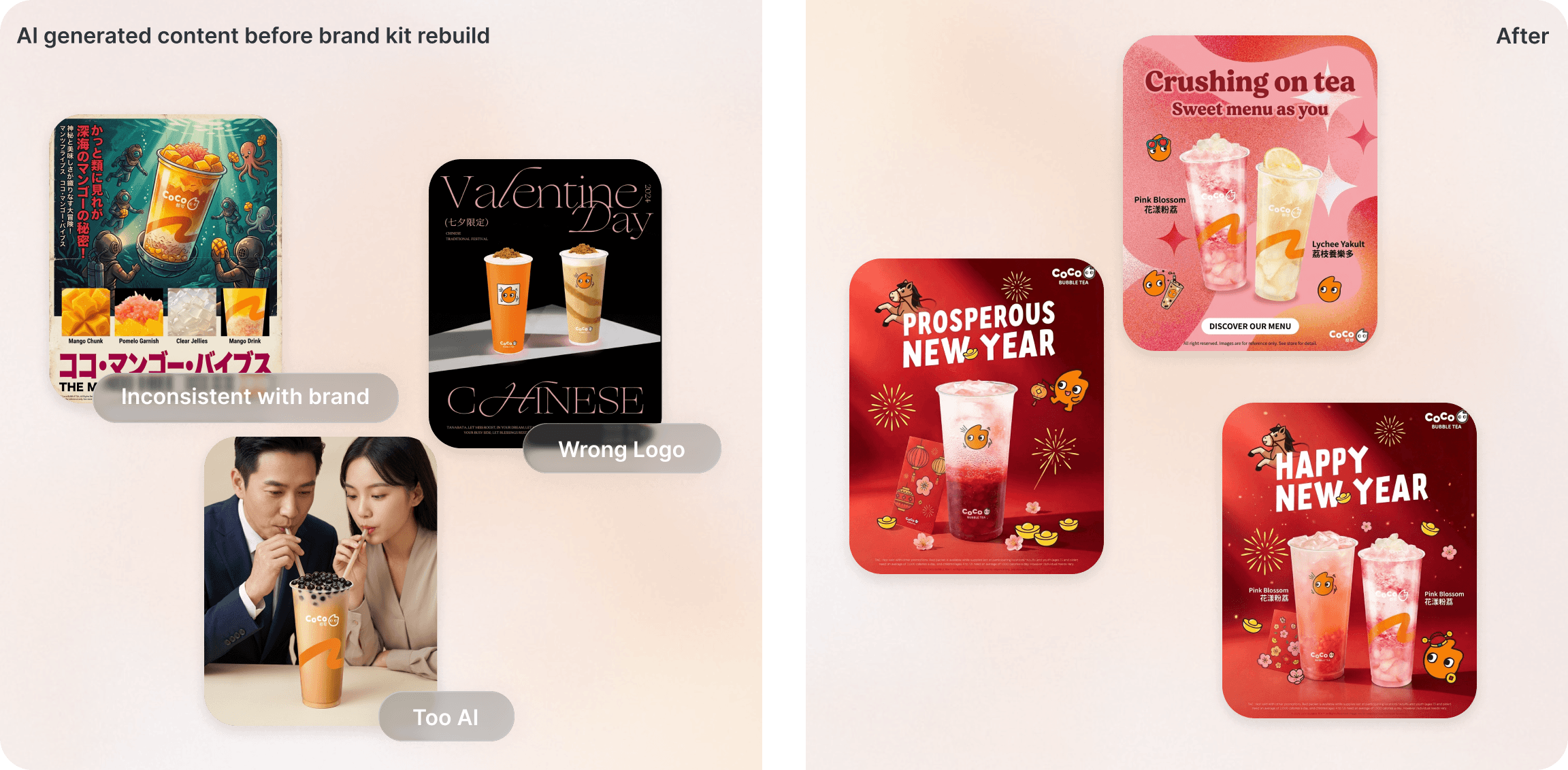
A normal brand profile could not solve brand consistency and Gen AI content quality
For our users, a polished AI output is not enough if it does not feel like their brand.
The early Brand Kit could hold voice, visual style, menu, products, and brand notes. That solved part of the data problem, but not the trust problem. Users asked to edit Brand Kit more efficiently, because they wanted to know why an output felt off-brand and whether a correction would change future content.
The deeper issue was not control over the brand materials. If the system could not show or repeat the influence of a brand signal, it failed to make Brand Kit a trustworthy source for users to rely on when generating social content.
Challenge
How might we help AI agents generate great content through learning from Brand Kit
In early interviews, users wanted a place to review their brand information and correct branding details. The root cause was that they were not satisfied with the content created by Gen-AI models.
The product strategy move was to challenge the idea that manual editing should be the center of the product. Through competitive analysis and further research, I reframed the team conversation from “make the profile easier to edit” to “how does brand memory stay accurate and give right input for Gen-AI flow?”
Insight 01
Branding materials vary widely across user groups, from 0 to extensive
Working with GTM teams in the research phase, I found that the most meaningful difference was how many usable brand assets they could provide.
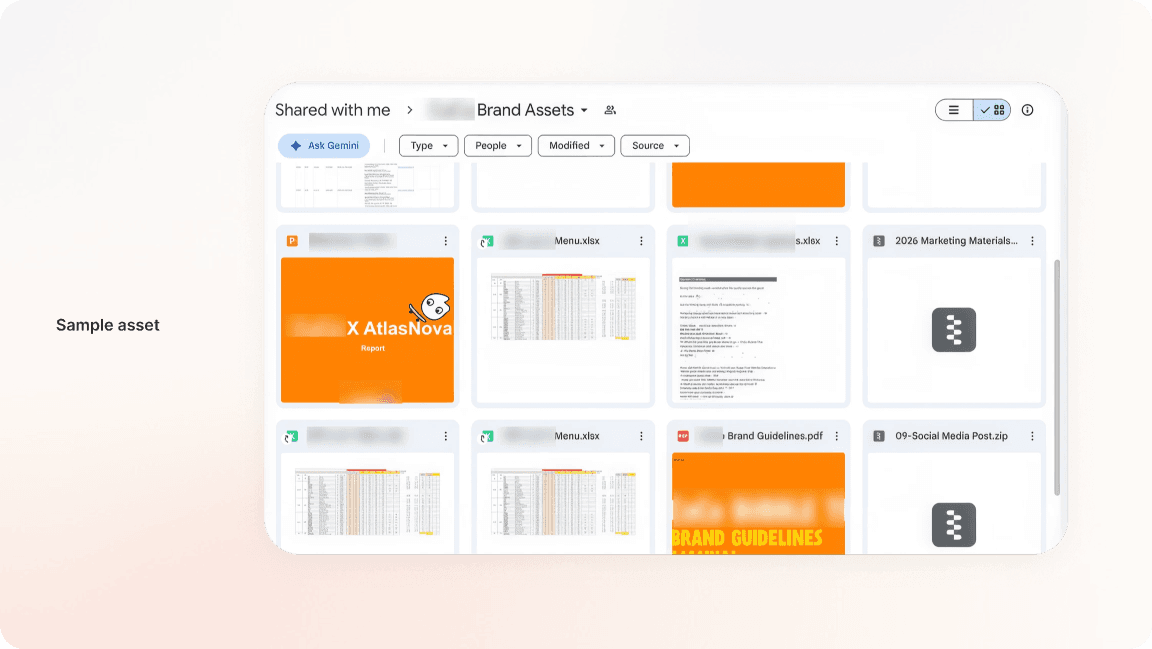
Merchants entered with radically different starting points. Some had only a few photos or a short description and did not yet know how to define their brand. Established brands brought websites, social channels, menus, guideline PDFs, Google Drive folders, and years of campaign assets. Their problem was not generating more ideas. It was deciding which sources were relevant, understanding what the system extracted, and reviewing what would become prompt context.
Insight 02
Visual understanding comes before completeness
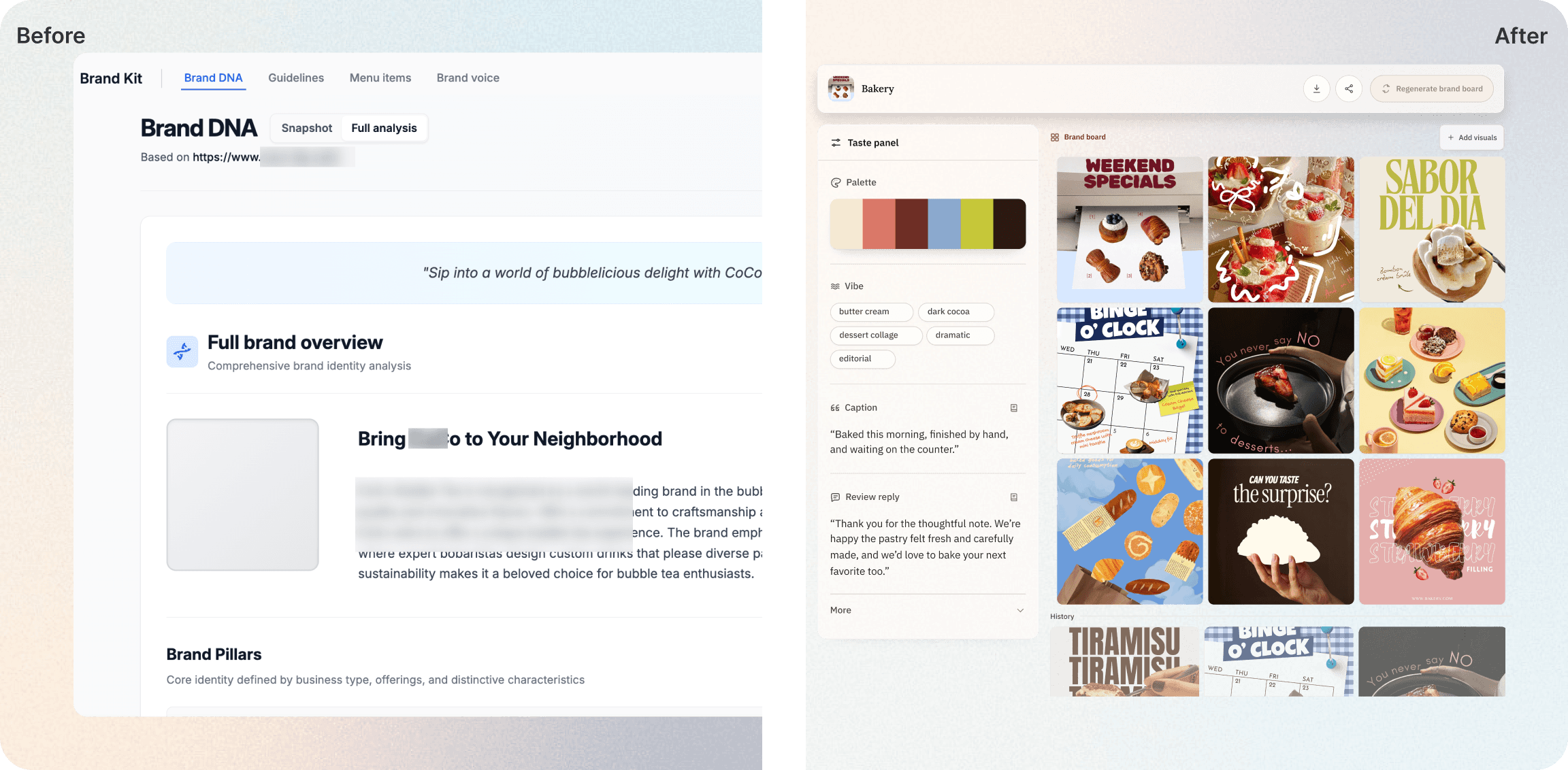
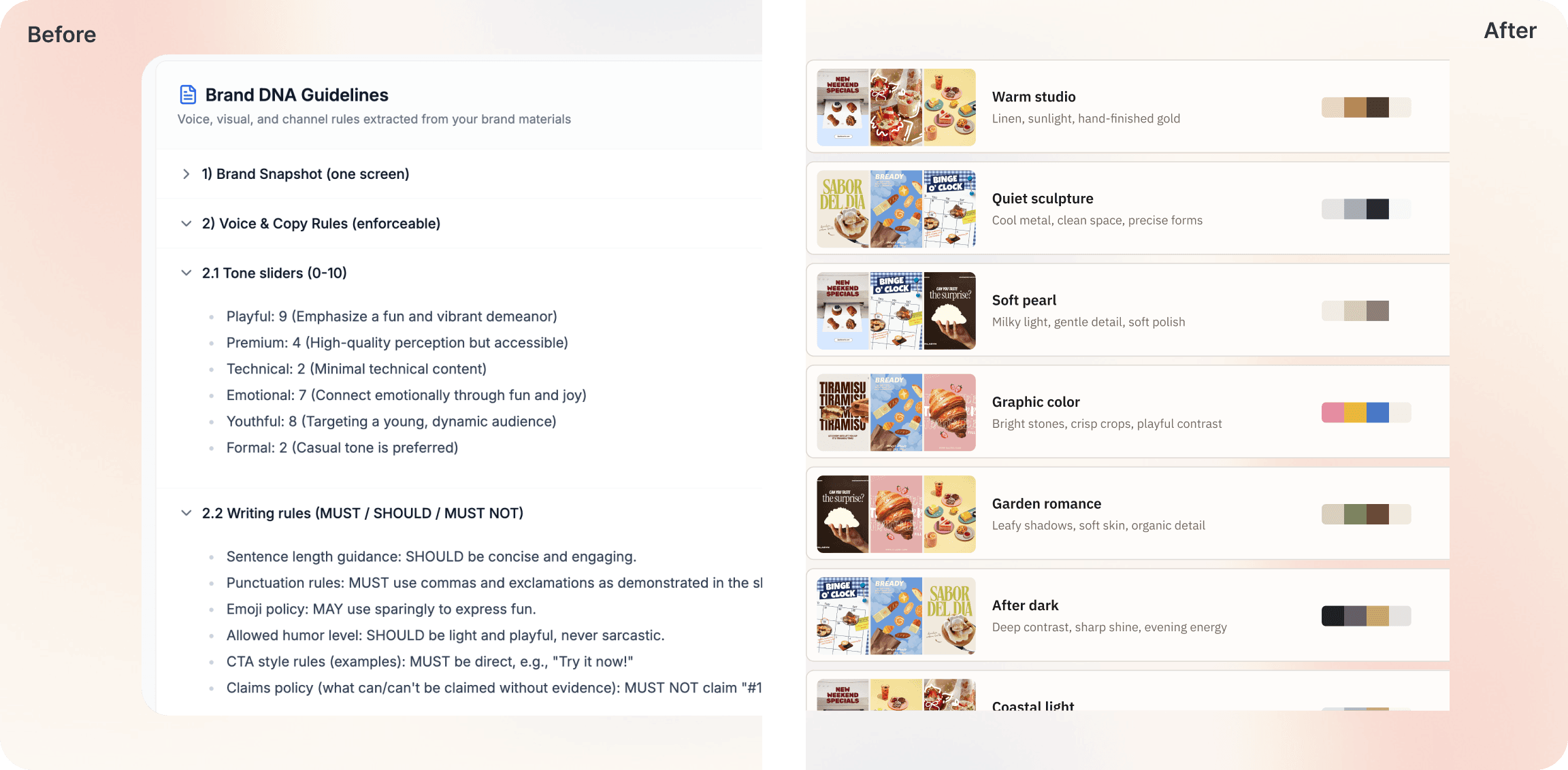
The early Brand Kit translated source material into long text summaries. That made the system look thorough, but it made the brand direction harder to judge at a glance.
Across from 0 to extensive, users needed a faster decision surface. Visual comparison answered those questions faster than paragraphs of extracted traits.
I shifted the hierarchy from a text-first profile to a visual-first Brand Board. Images, palette, mood, and concrete examples became the primary way to review and refine the brand.
Insight 03
Editing was necessary, but not frequent enough to carry the product
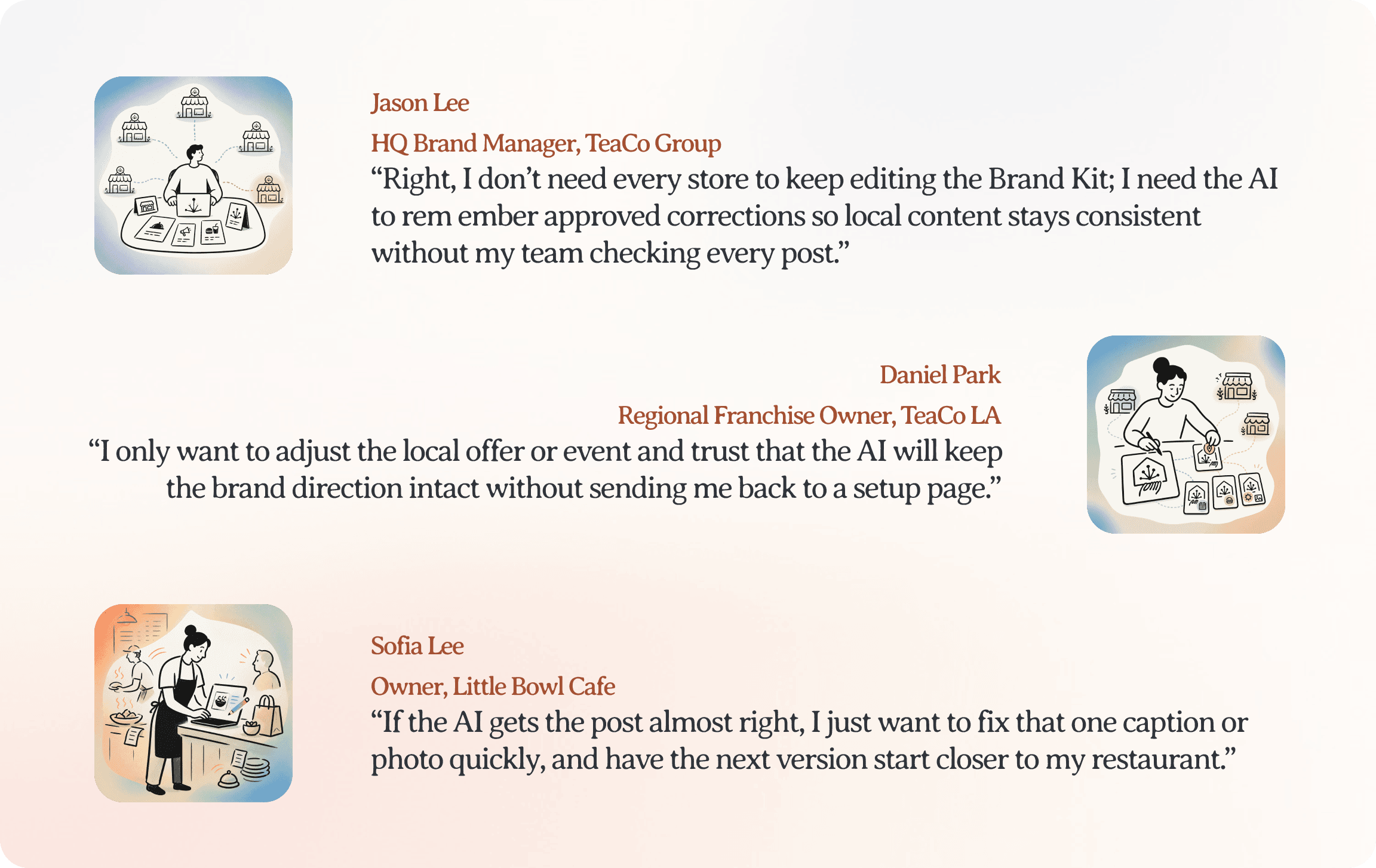
Users still valued the ability to correct Brand Kit, but they did not want to spend time repeatedly maintaining it. They cared more about the next result: does the next caption sound closer to the brand, does the next image follow the visual direction, and does the system remember what they chose?
That distinction changed the role of the page. Brand Kit became less of a maintenance destination and more of a review surface for memory gathered elsewhere. Brand learning should happen across creation workflows, then return to Brand Kit as signals users can inspect, correct, and reinforce.
Reframe
Brand Kit learns from where users already make decisions, not from what they say
Selected outputs, edited copy, rejected drafts and published content across the platform became the brand signals we captured. Letting repeated creation-side decisions become signals that users can later inspect and confirm in Brand Kit keeps brand memory relevant, without turning the page into another maintenance task.
Let the existing brand data be processed behind the scenes
The interface should focus on what users actually needed: understanding the visual direction and choosing the branding the system should carry forward.
Earlier versions displayed too much of this information, making Brand Kit feel like an asset repository rather than a decision-making tool. The intention of offering extensive materials is not to view them but to let AI understand the brands. I reframed these materials as inputs for the AI, moving their ingestion and organization behind the scenes while keeping sources accessible for verification and correction.
Design
For diverse user group needs, full bandwidth on raw materials from 0 to extensive
Brand Board as the source of truth
Palette, mood, and examples are reviewed together; changing the board marks the interpretation as needing a refresh.
Keep brand consistency by following user behavior and choosing right assets
All selected AI-generated content is stored in Brand Kit to highlight what users pick. Whenever they want to change the brand, they add more relevant visuals to the board.
Systems
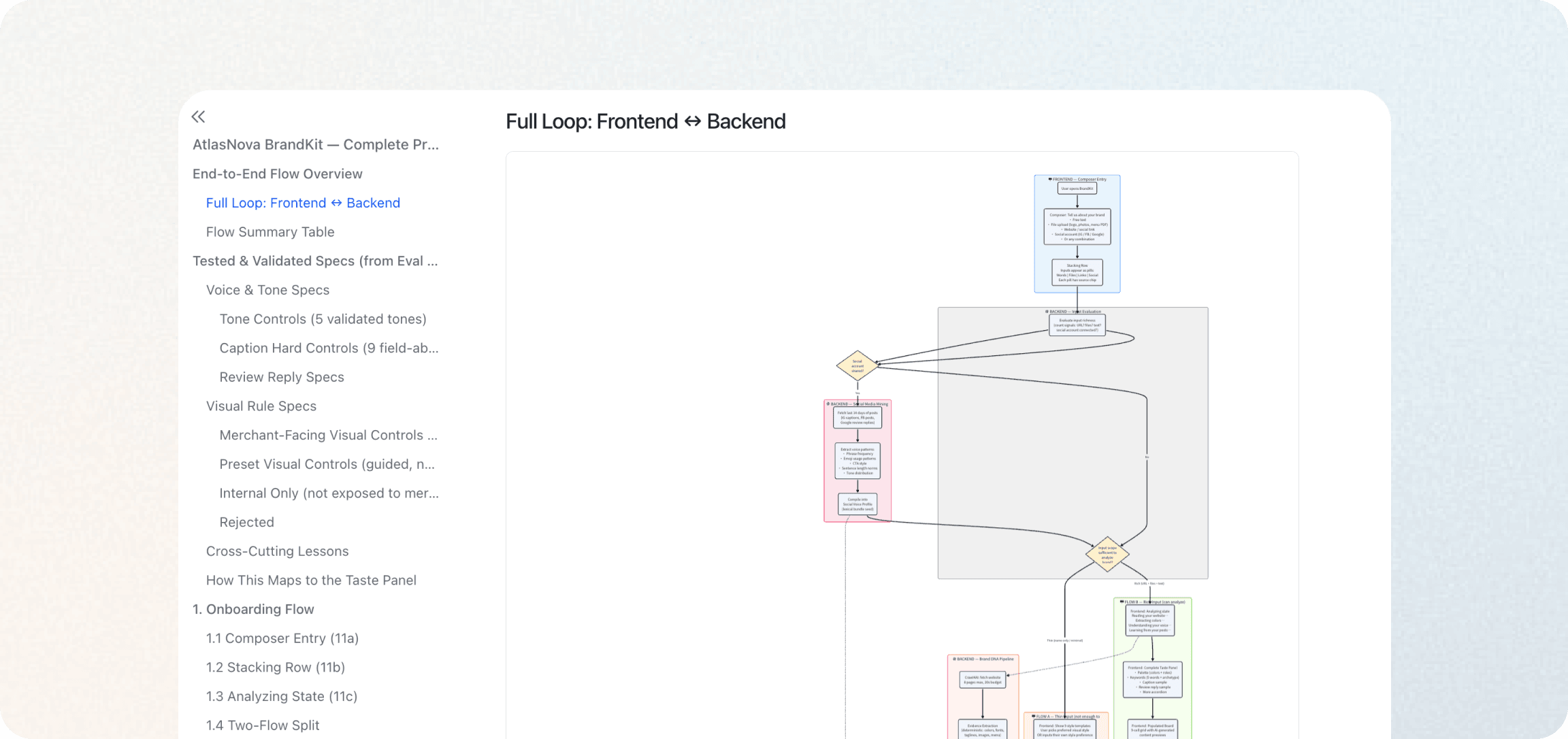
With no PM, I worked beyond the interface, designing the path from brand evidence to LLM generation
To make the AI-native workflow understandable, I organized the system around four plain-language objects: Evidence, Brand Memory, Control Policy, and Generation Request. I defined which signals should become hard rules, soft preferences, creative guidance, or internal context. This gave design and engineering a shared language for tracing how a website, menu, logo, upload, or direct correction would influence a generated result.
Prompt and Spec Evaluation: testing what the interface could promise
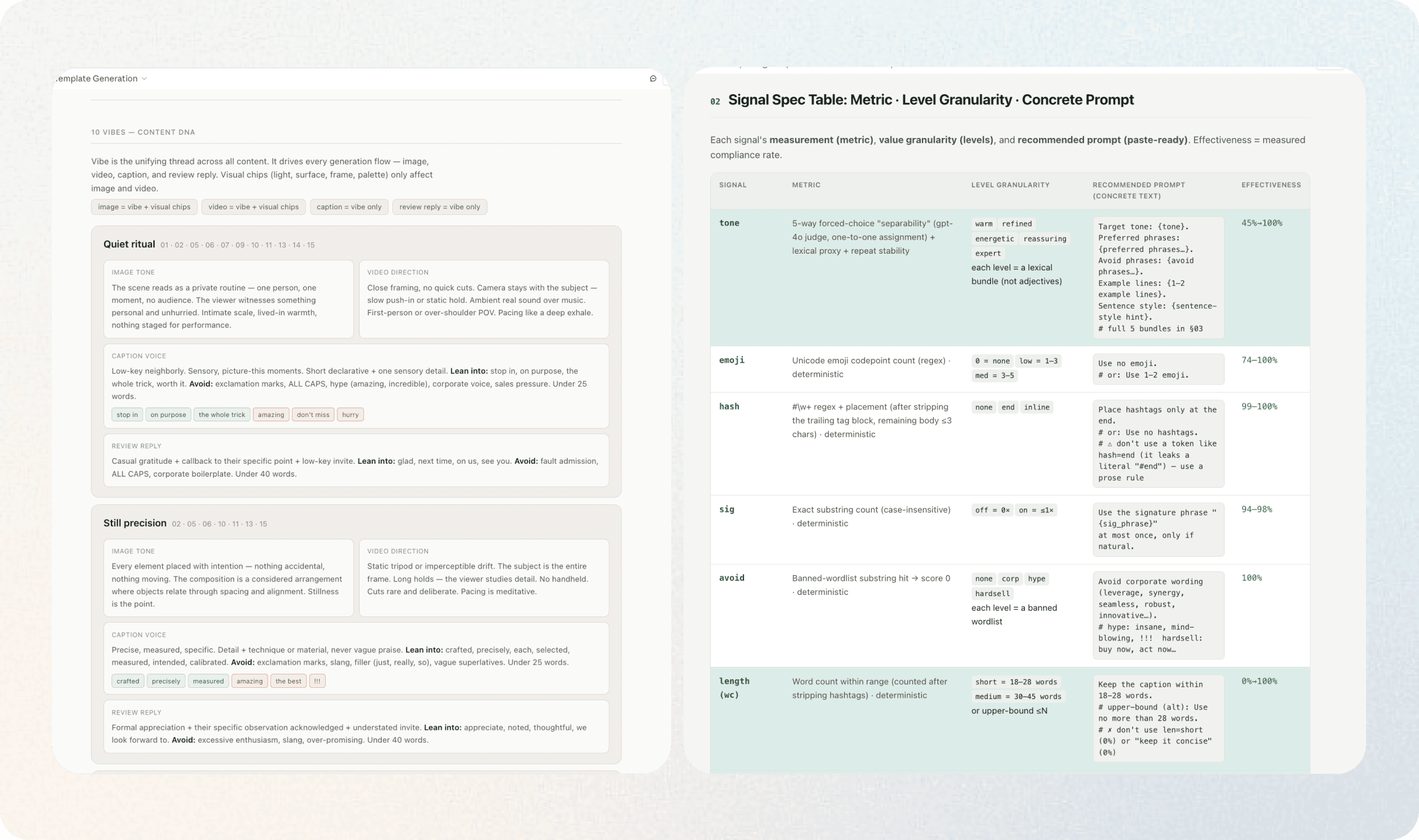
I treated AI model behavior as part of the UX design. For each control, I defined the expected output difference, held other variables constant, generated controlled variants, and compared the results. AI generated the variants and provided a first-pass blind evaluation; I audited the evaluator, reviewed failure patterns, and made the product decisions.
Takeaways
Start with users, then debate with AI
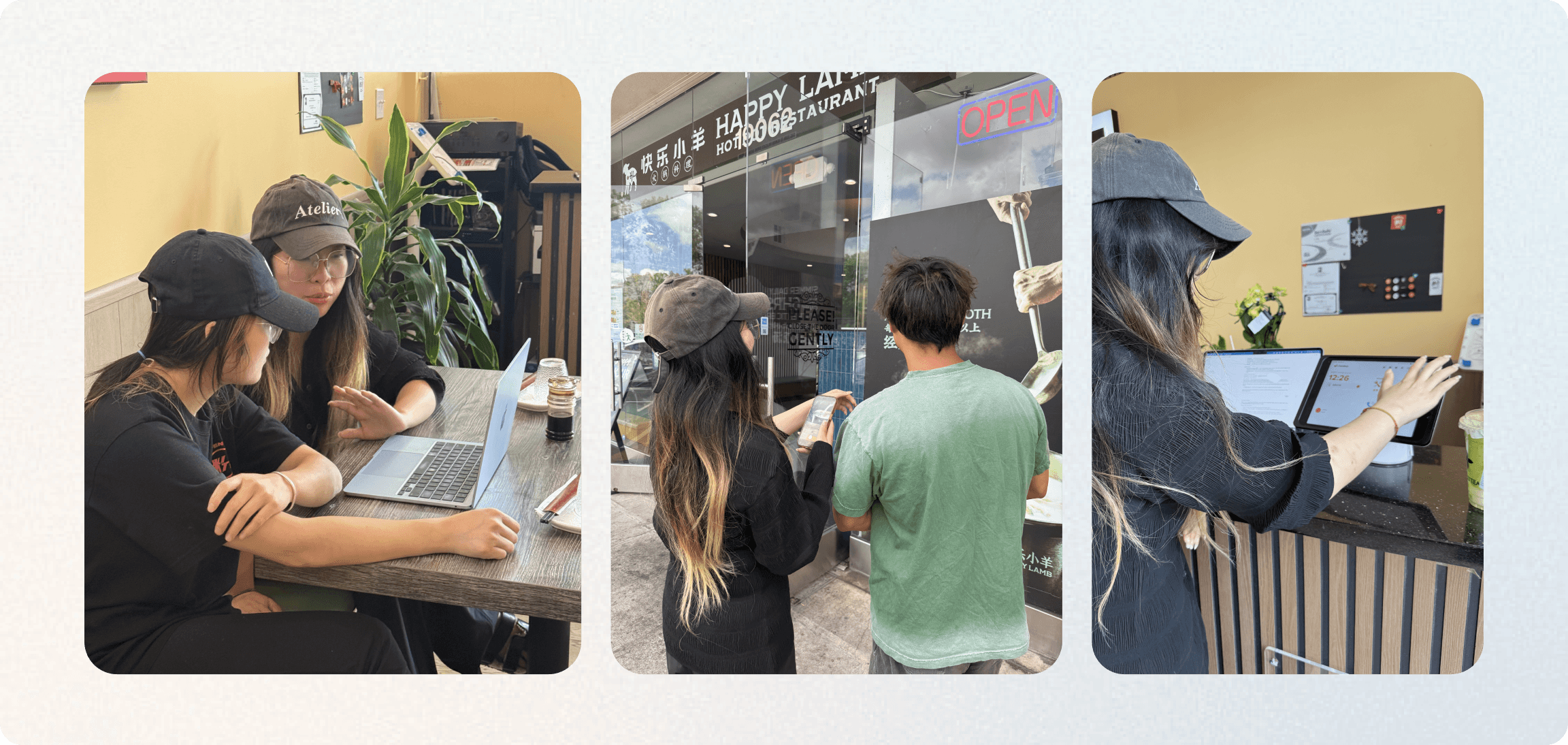
I often used AI to think through projects, but I learned that it can reinforce assumptions, introduce bias, and miss context it was never given. Direct user conversations and field observation helped me build my own understanding before asking AI for an opinion. With that foundation, I could use AI as a debate partner rather than an authority: challenging my interpretation, surfacing alternatives, and testing my reasoning without outsourcing judgment.
Design the capability system, not just the model
Designing an AI-native workflow requires understanding two different capability layers: what the model can reliably infer or generate, and what the product can collect, store, verify, control, and recover from. I learned to start with the user’s goal, then decide which parts should be handled by AI, deterministic product logic, or human judgment. The model should expand the workflow, not define its limits. Good AI UX uses AI where it is strong, builds controls and fallbacks where it is weak, and makes those boundaries understandable to users.
Boost cross-team collaboration in the AI era by sharing and discussing proactively
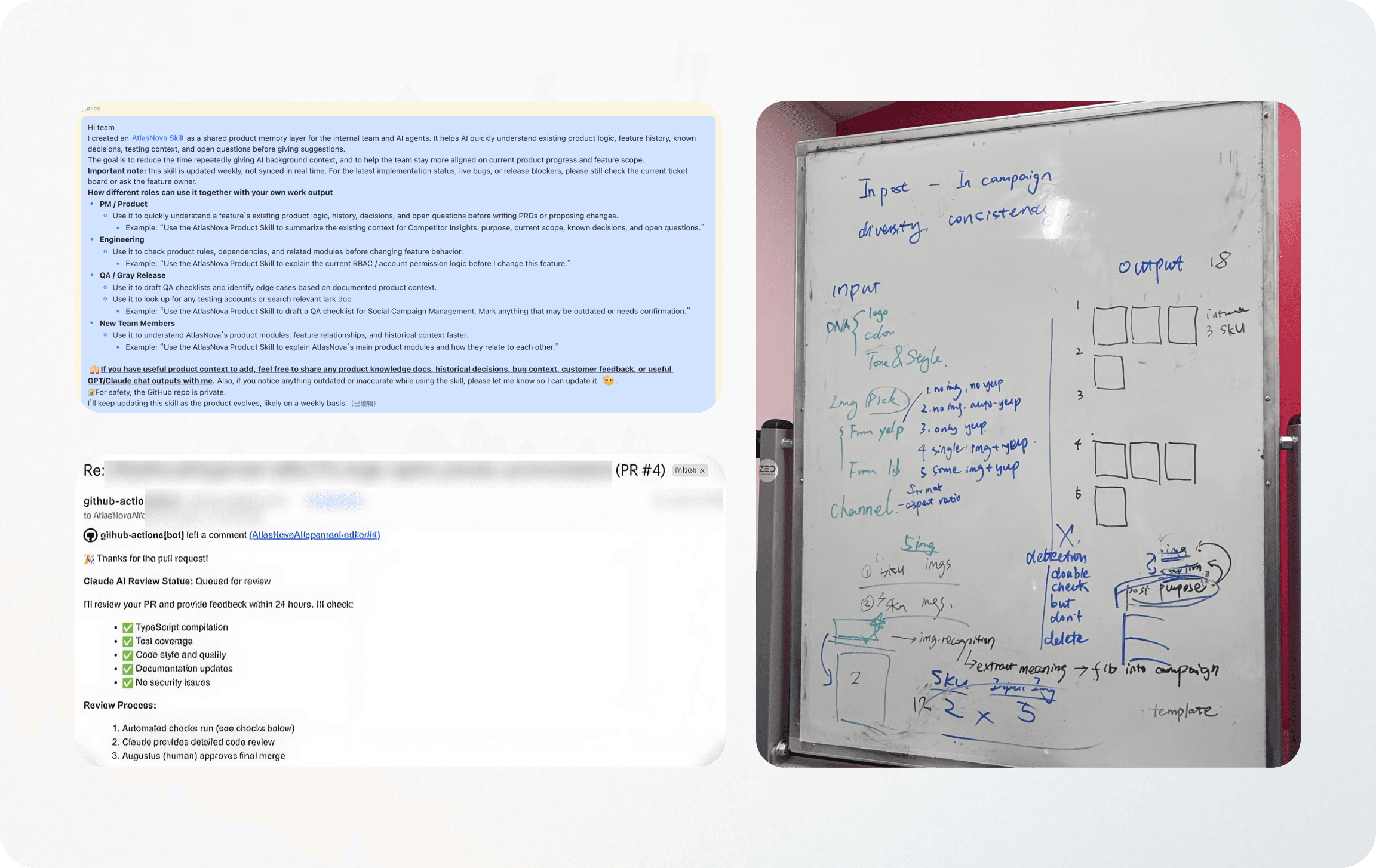
AI accelerated individual output, but speed did not automatically create alignment. As teams moved faster, I became more proactive about understanding adjacent work and making shared knowledge easier to access. I built reusable product skills that captured current features, ownership, and team capabilities; initiated team bots that supported questions and ongoing discussion. I began to treat collaboration as infrastructure: not only handing off my own work, but building lightweight systems that helped the group stay aligned.